| Status: | Active, open to new members |
| Leader: | |
| When: | Monthly on Tuesday afternoons 1st or 2nd Tues, 2pm |
| Venue: | Binegar Village Hall, BA3 4UR |
| Cost: | £3 |
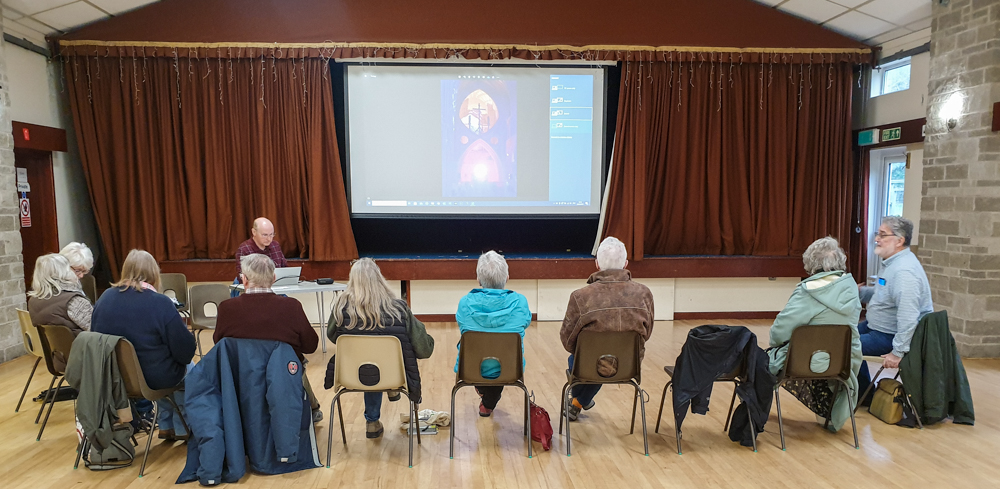
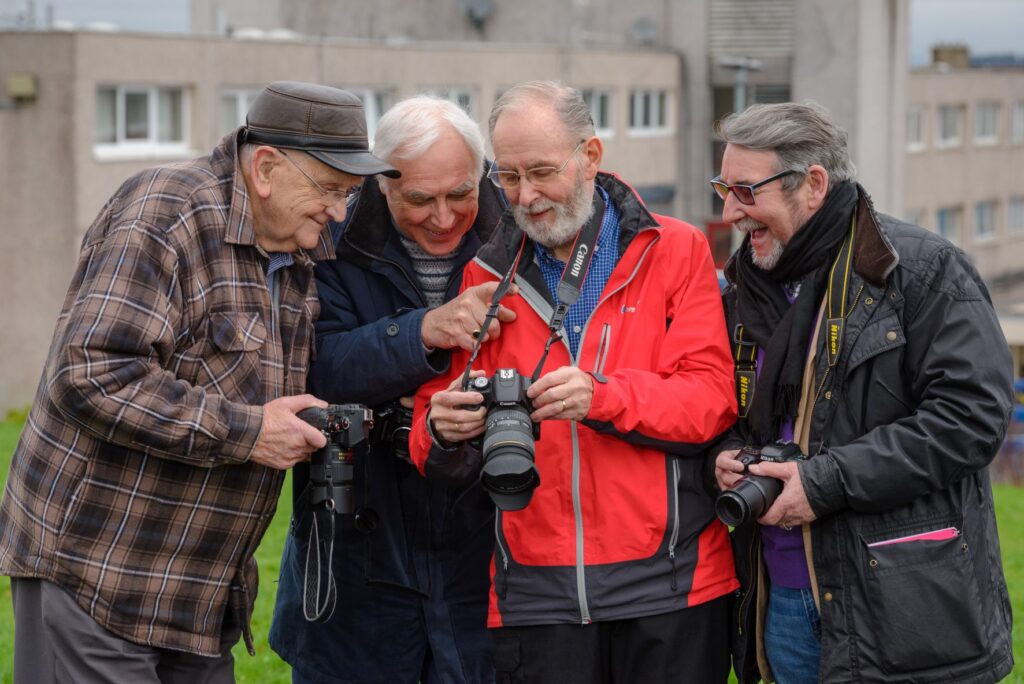
Members of our Digital Photography Group have joined forces with other members of the similar group from Shepton Mallet u3a and we meet regularly on the first or second Tuesday at 2pm at Binegar Village Hall to continue with sharing our hobby of photography. The meetings are led by John Law LRPS from the Shepton Mallet Group.
Our Meeting usually starts with a demonstration or presentation of some photography topic. This is usually done by John Law who is very good at passing on his extensive knowledge, whilst other members have also given presentations about abstract and black and white photography, and recently also presented the topic of Architectural Photography and photographing the National Trust.
Meeting in Binegar Village Hall also opens up the possibility of indoor practical sessions such as Still Life or Portraiture
There is also scope for any of our members to pass on their experience and knowledge in true u3a style. Currently we have about 15 members of the combined group. All members of this group are enthusiastic and want to contribute as much as possible, and the sharing of photographs and learning how to improve the results is very much an integral part of the group activity.
Gatherings outside continue to be considered, e.g. arranged photoshoots, if the environment was judged to be ‘safe’ and measures could be put in place to significantly limit the risk of infection at such events, all to be the subject of Risk Assessments on a case by case basis.
The combined group has continued to flourish in it's current format with some new members joining from Norton Radstock and Shepton Mallet.
So, if you would like to know more about how you could commence an involvement with Digital Photography please get in touch with the
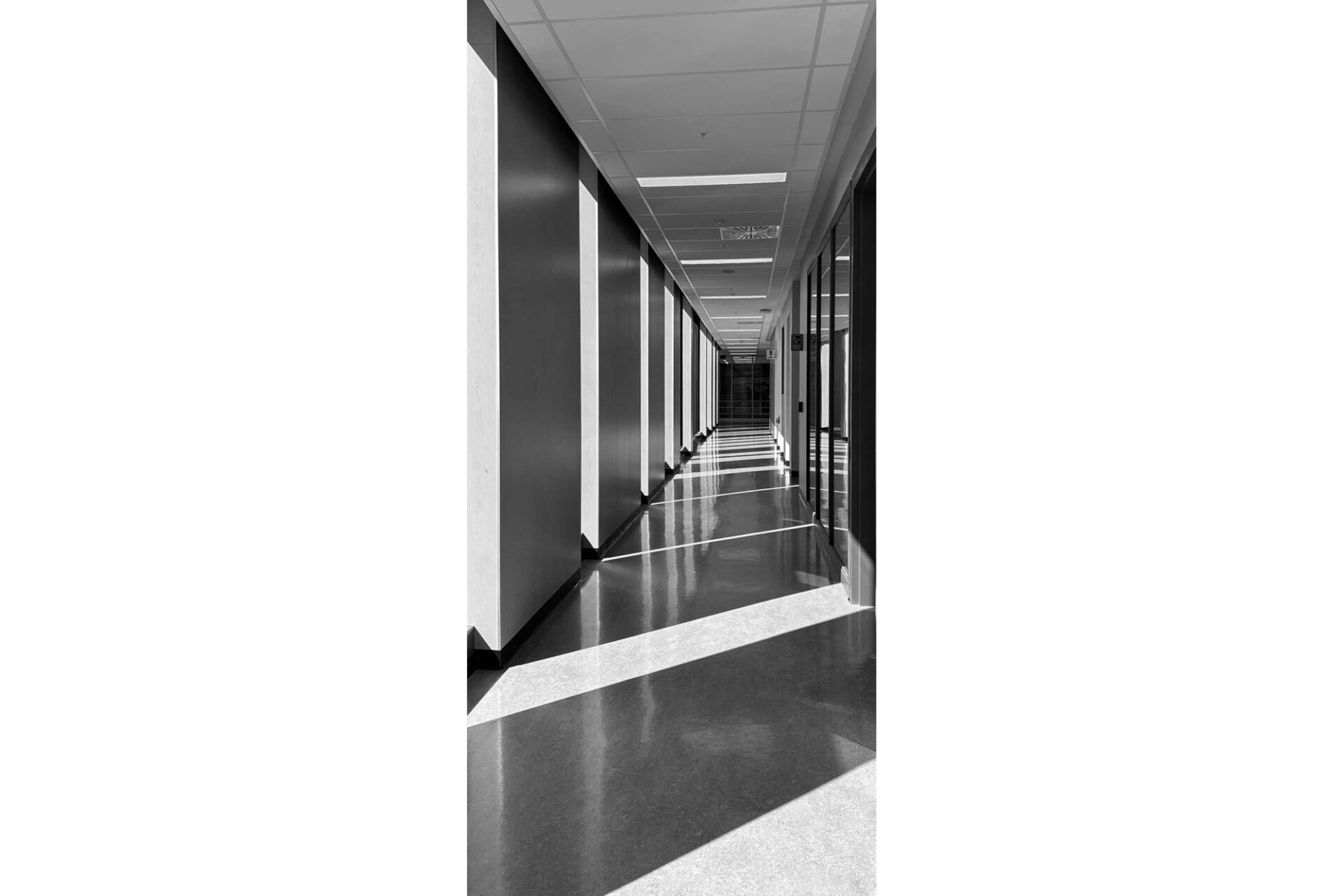
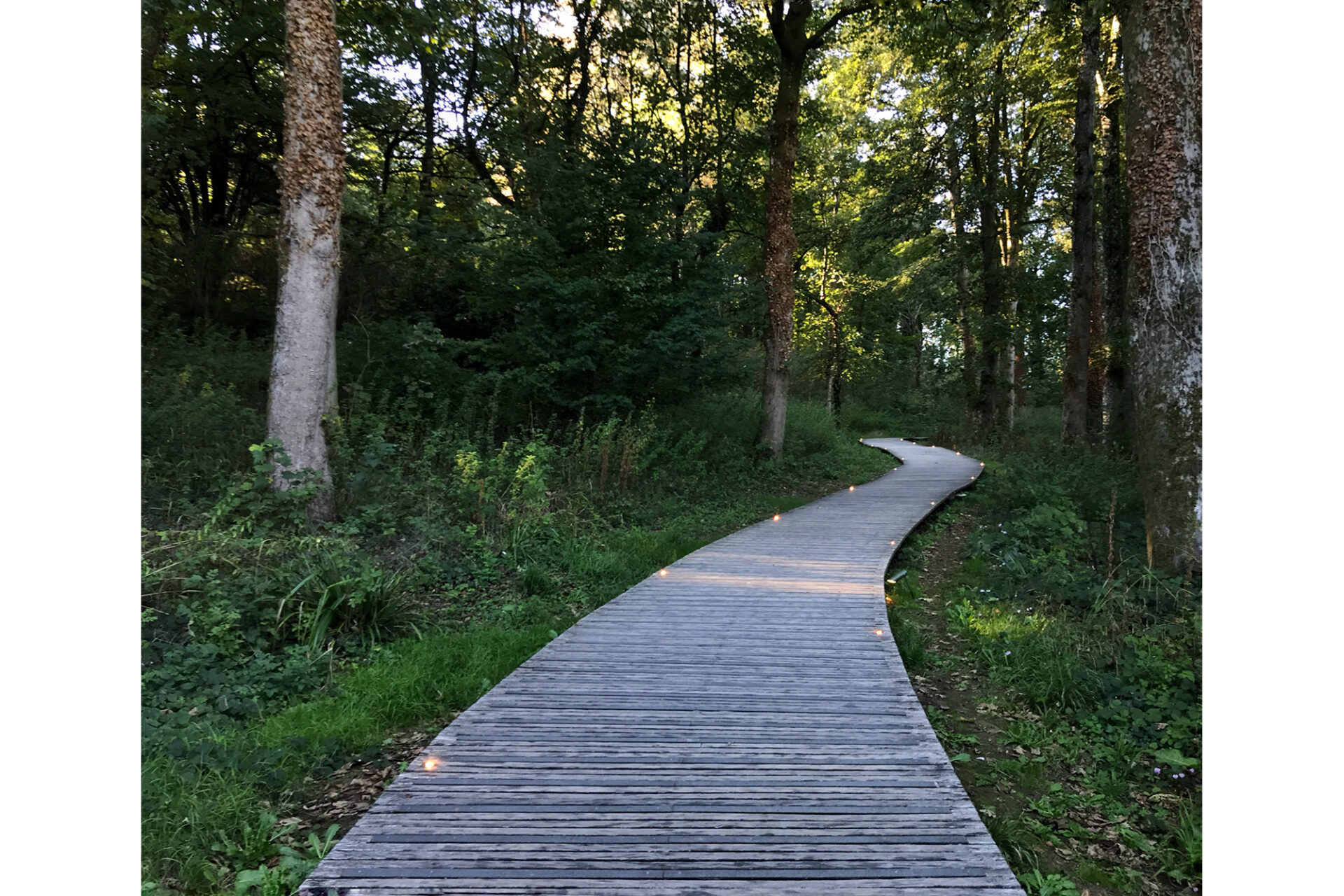
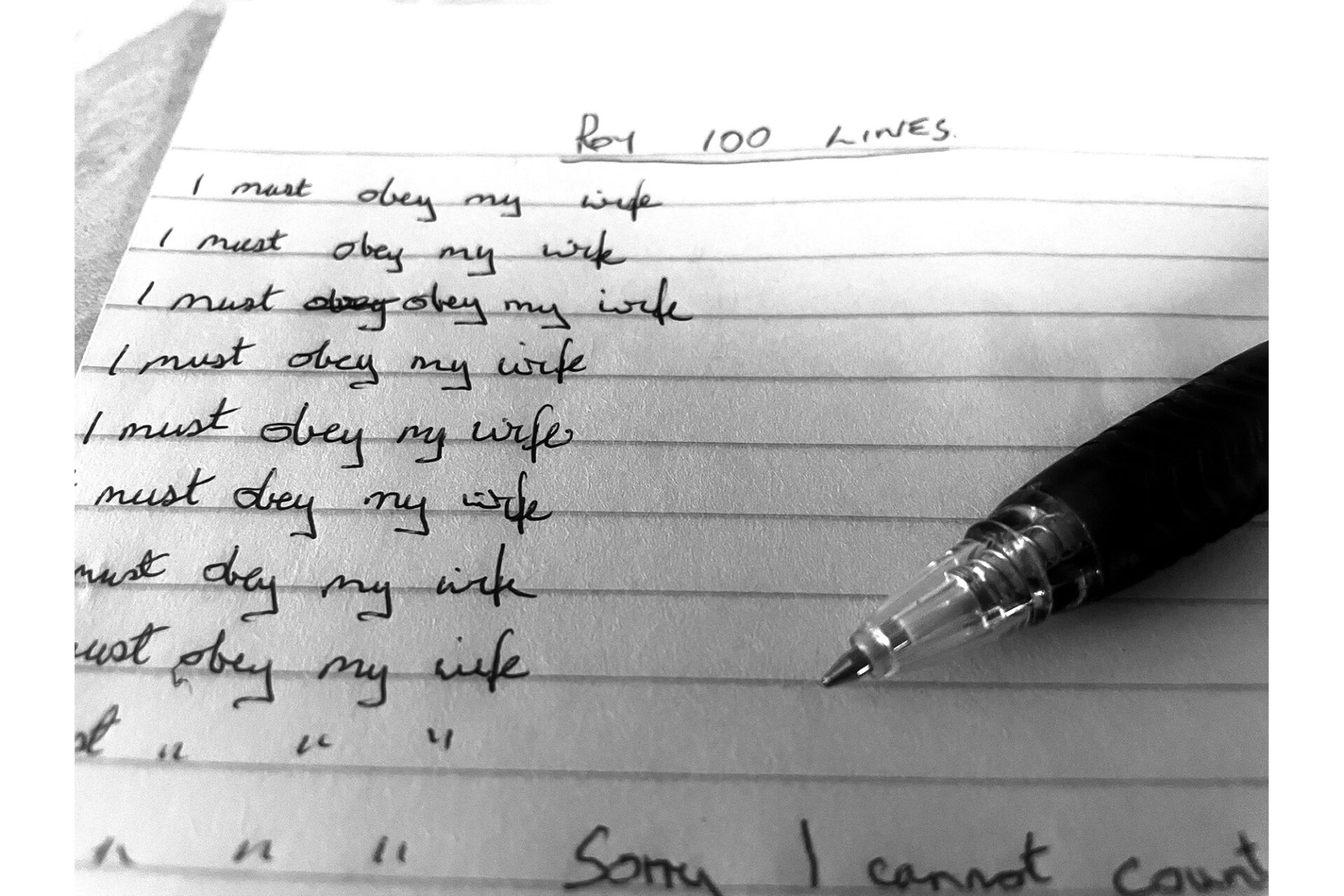
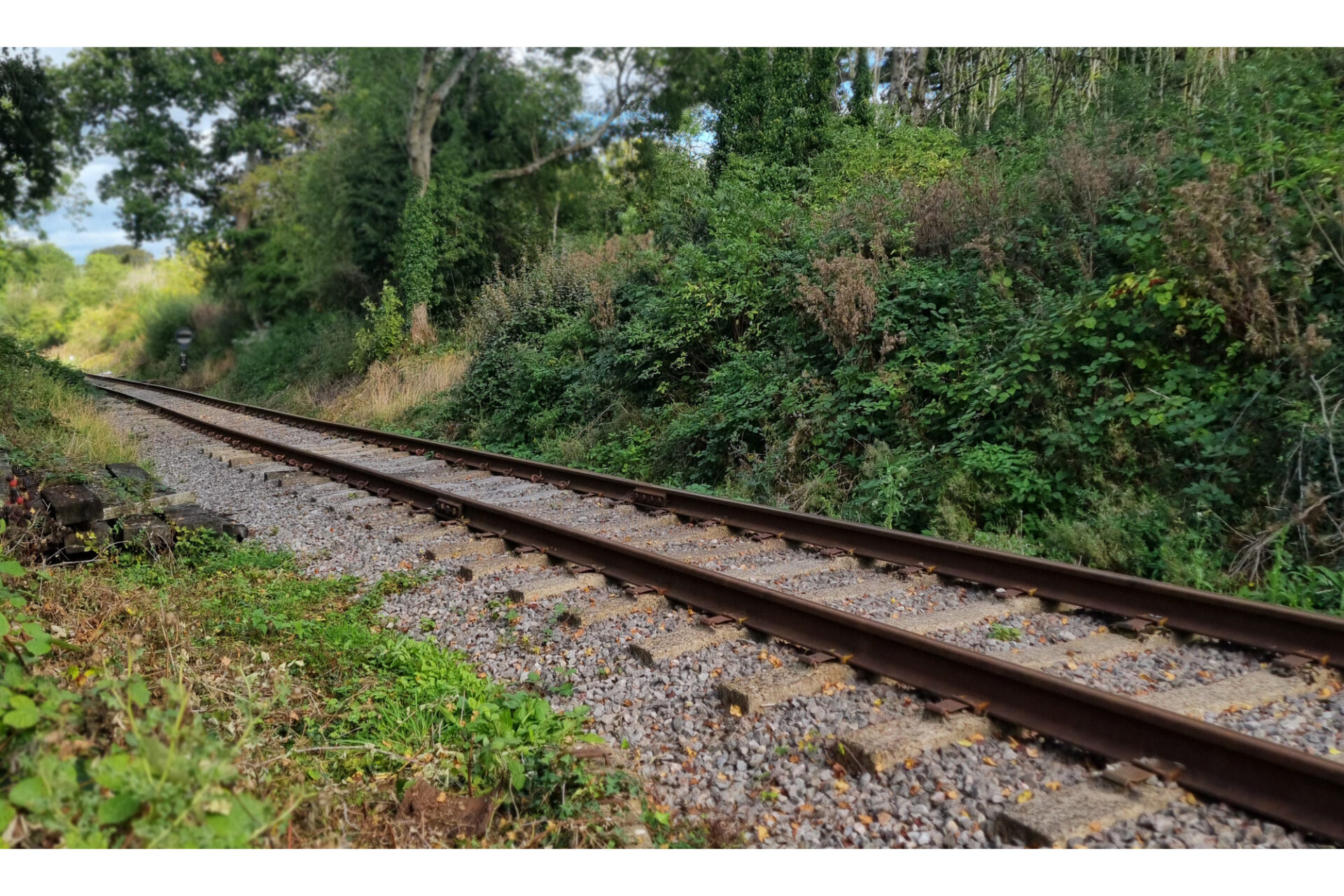
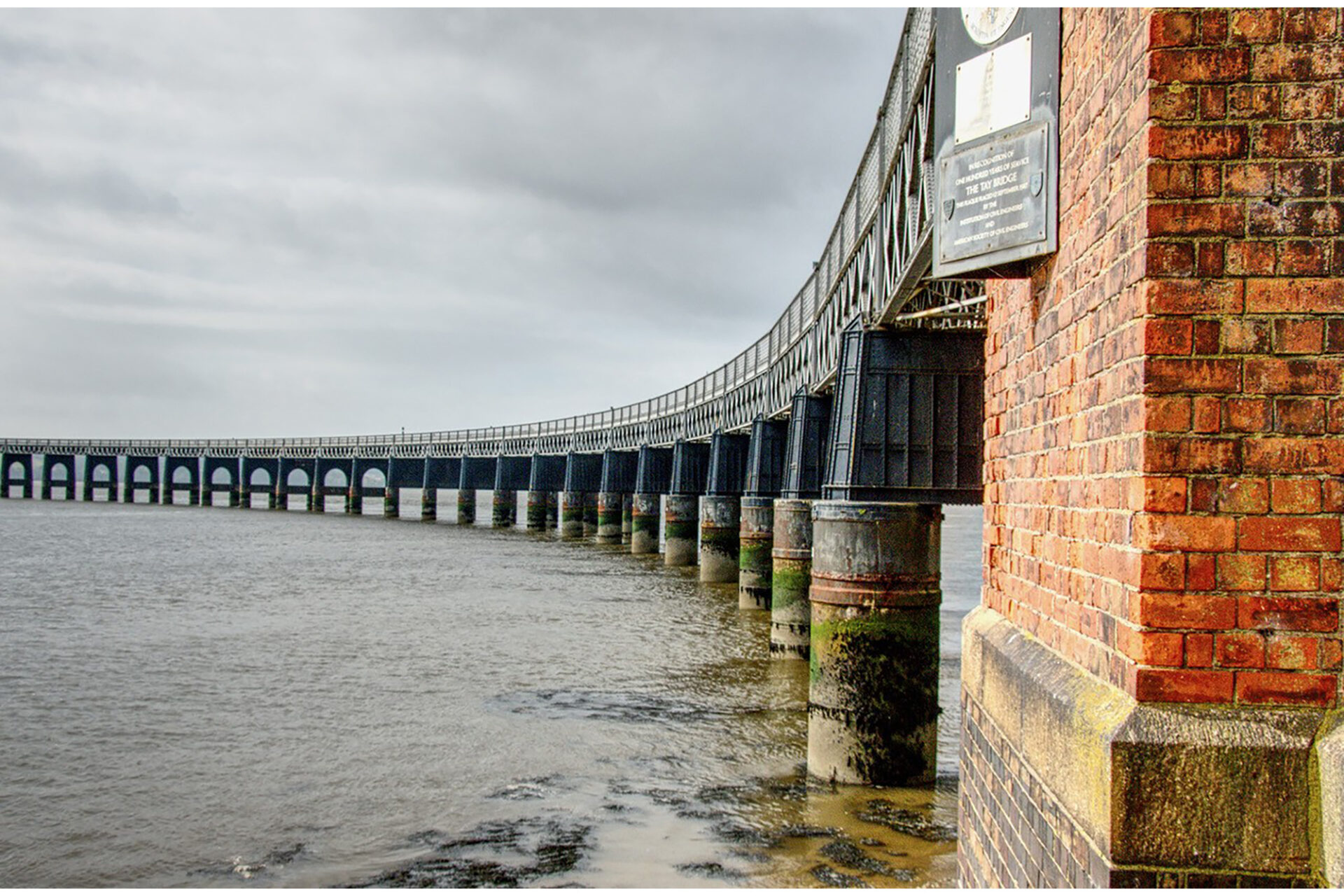
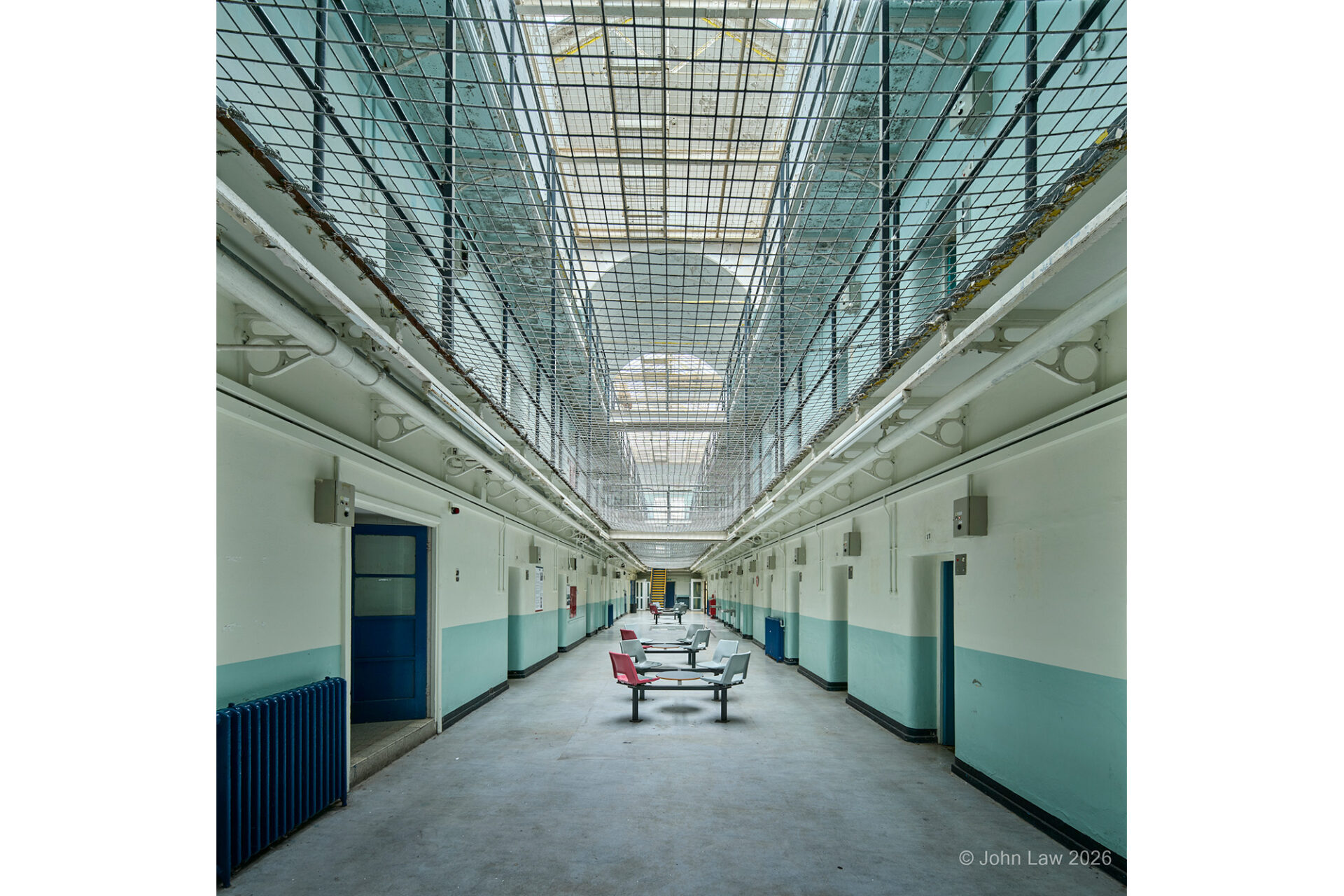
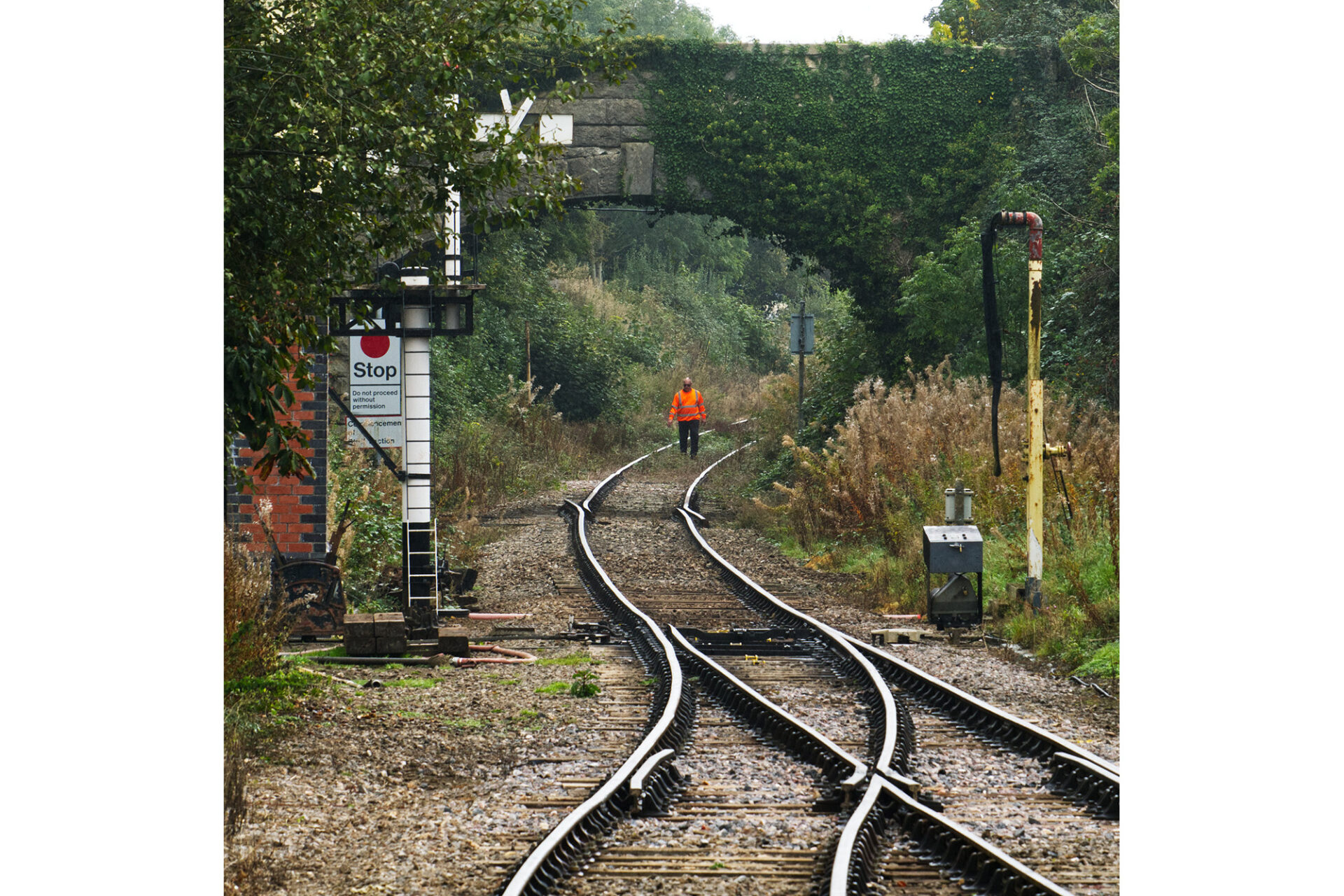
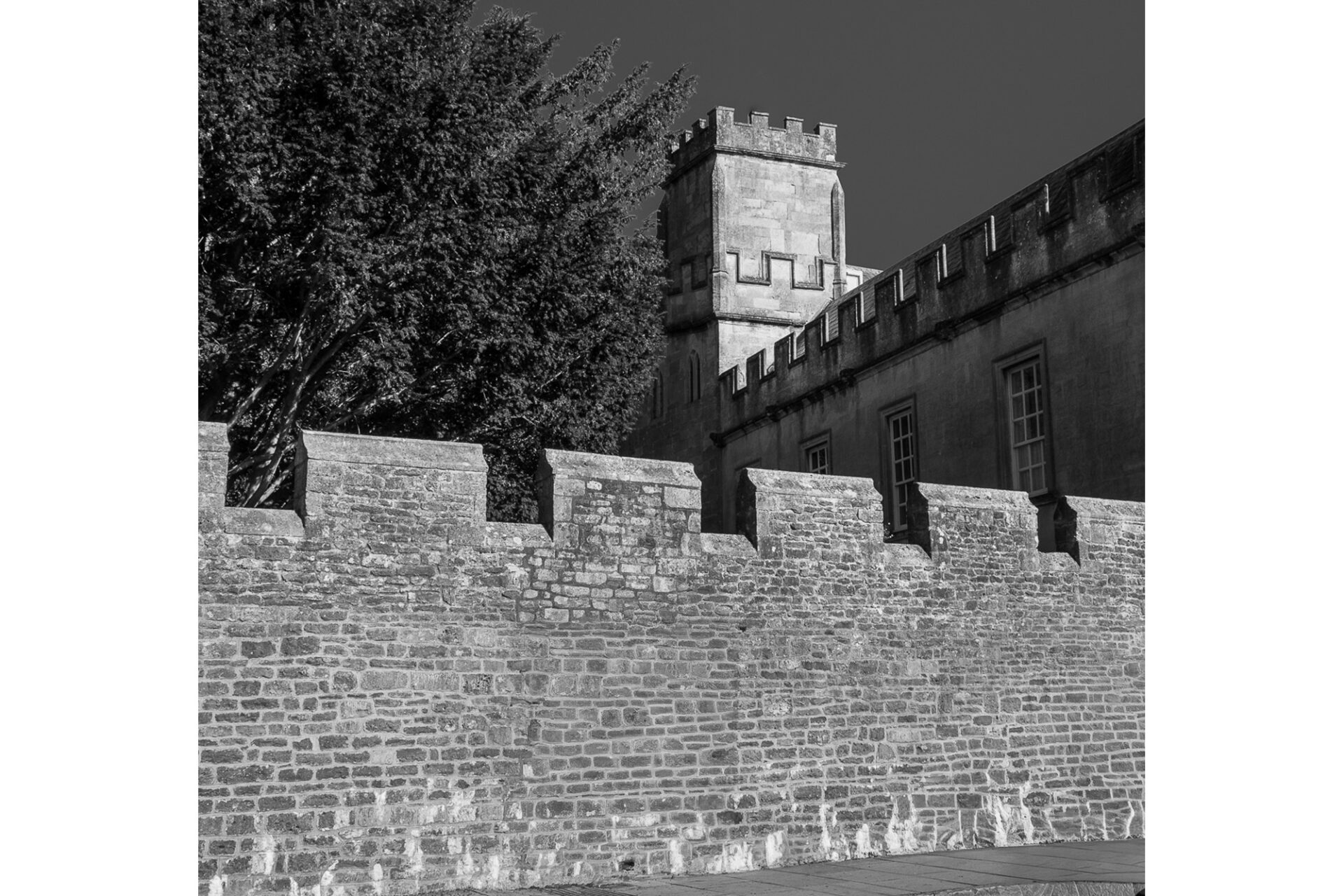
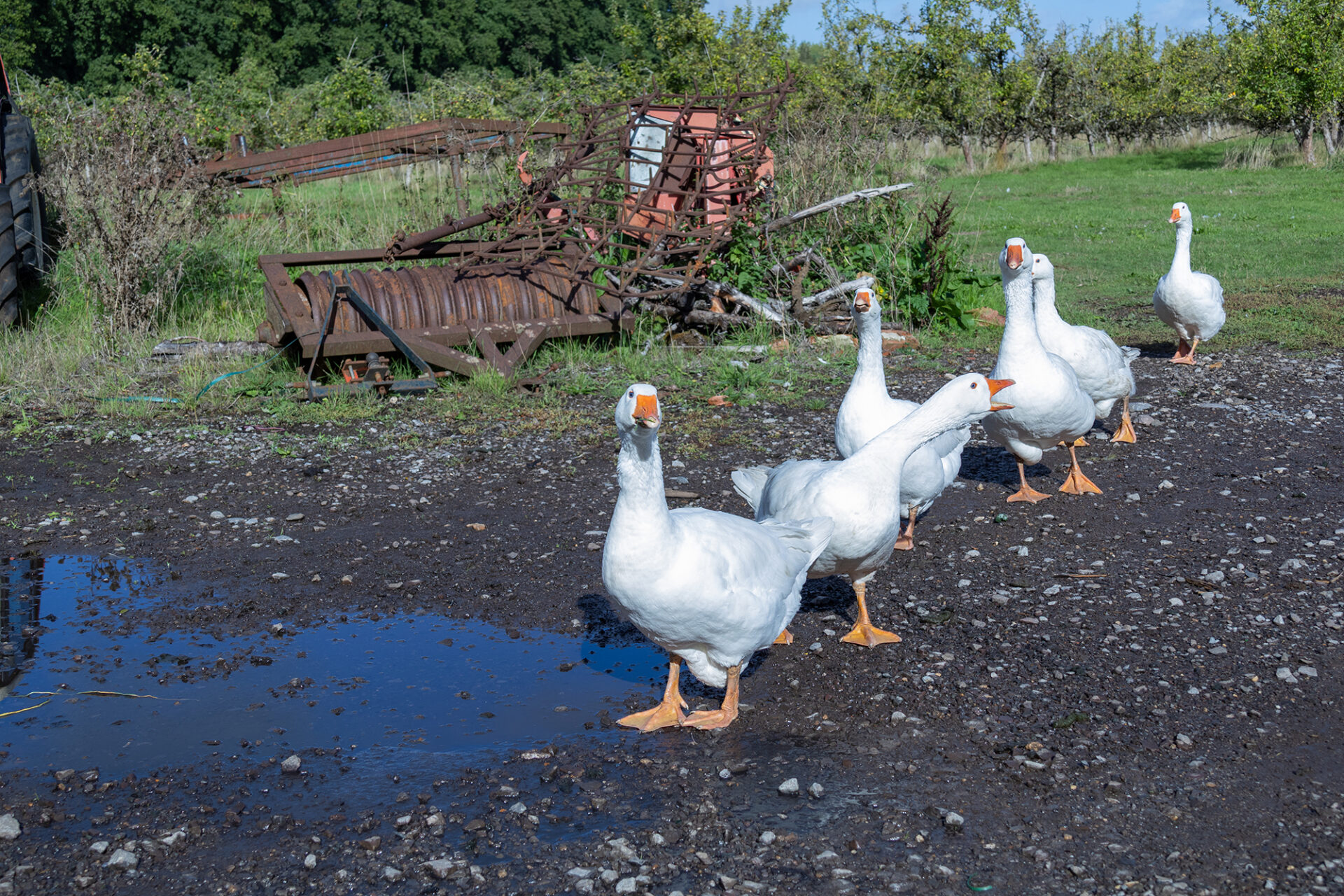
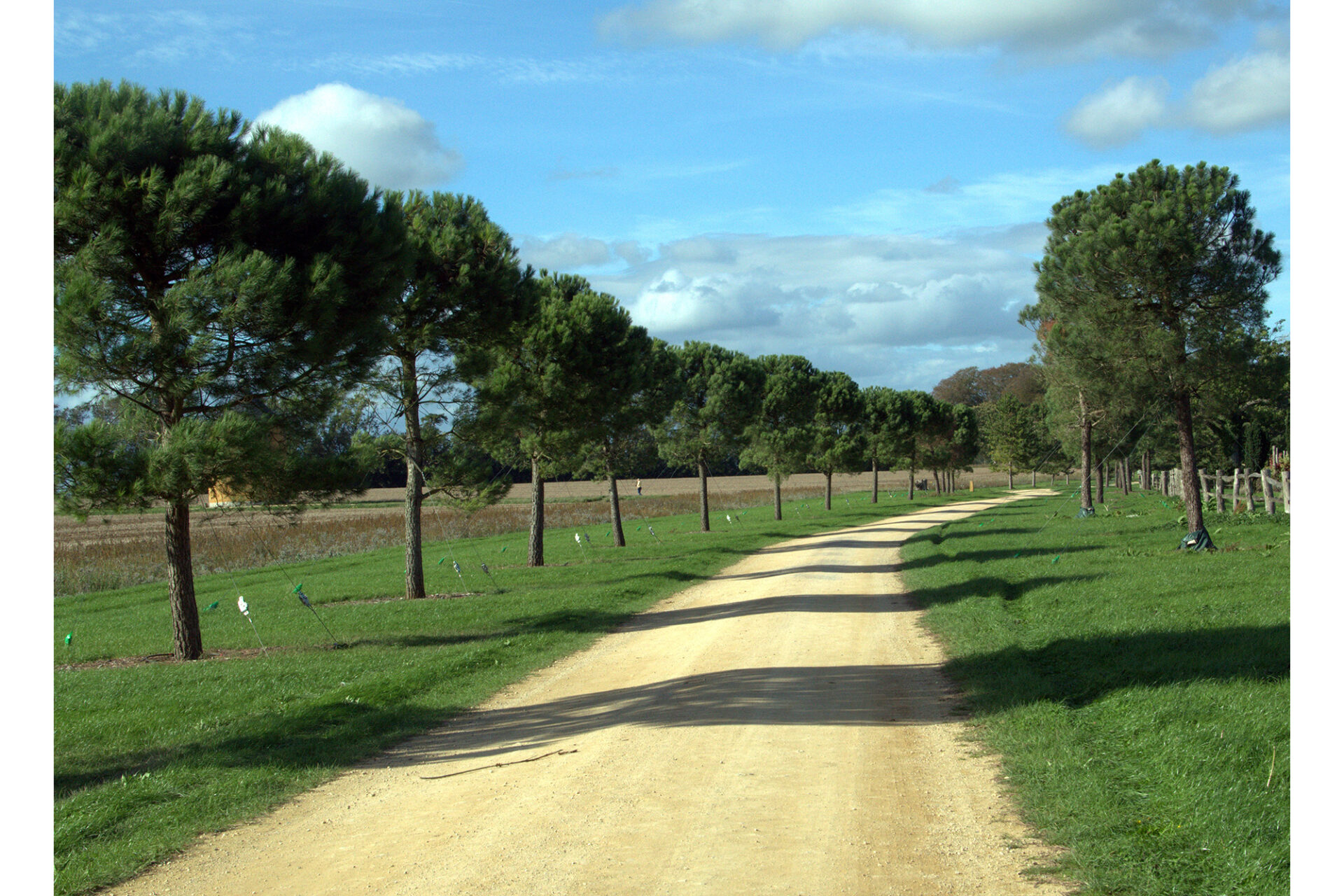
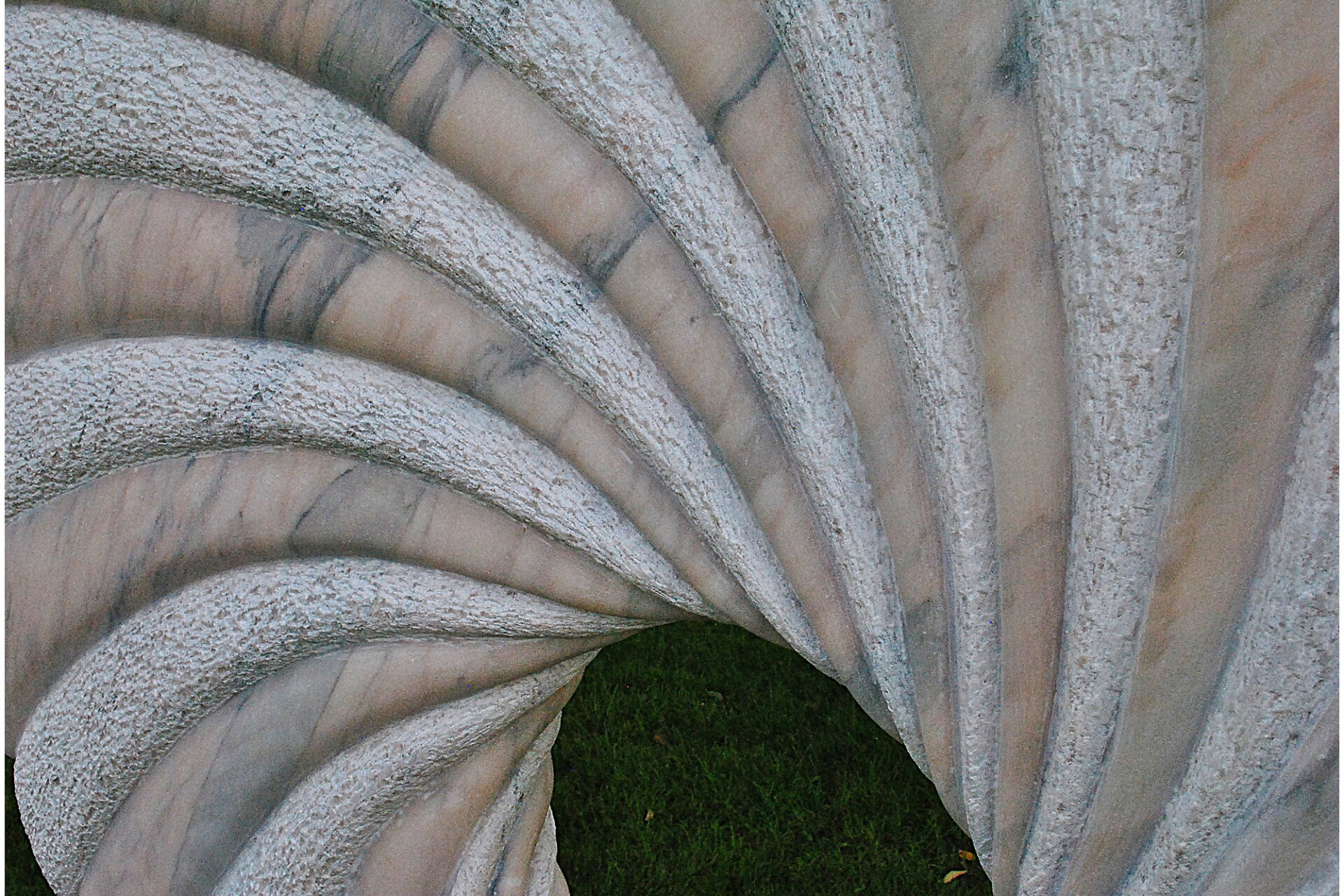
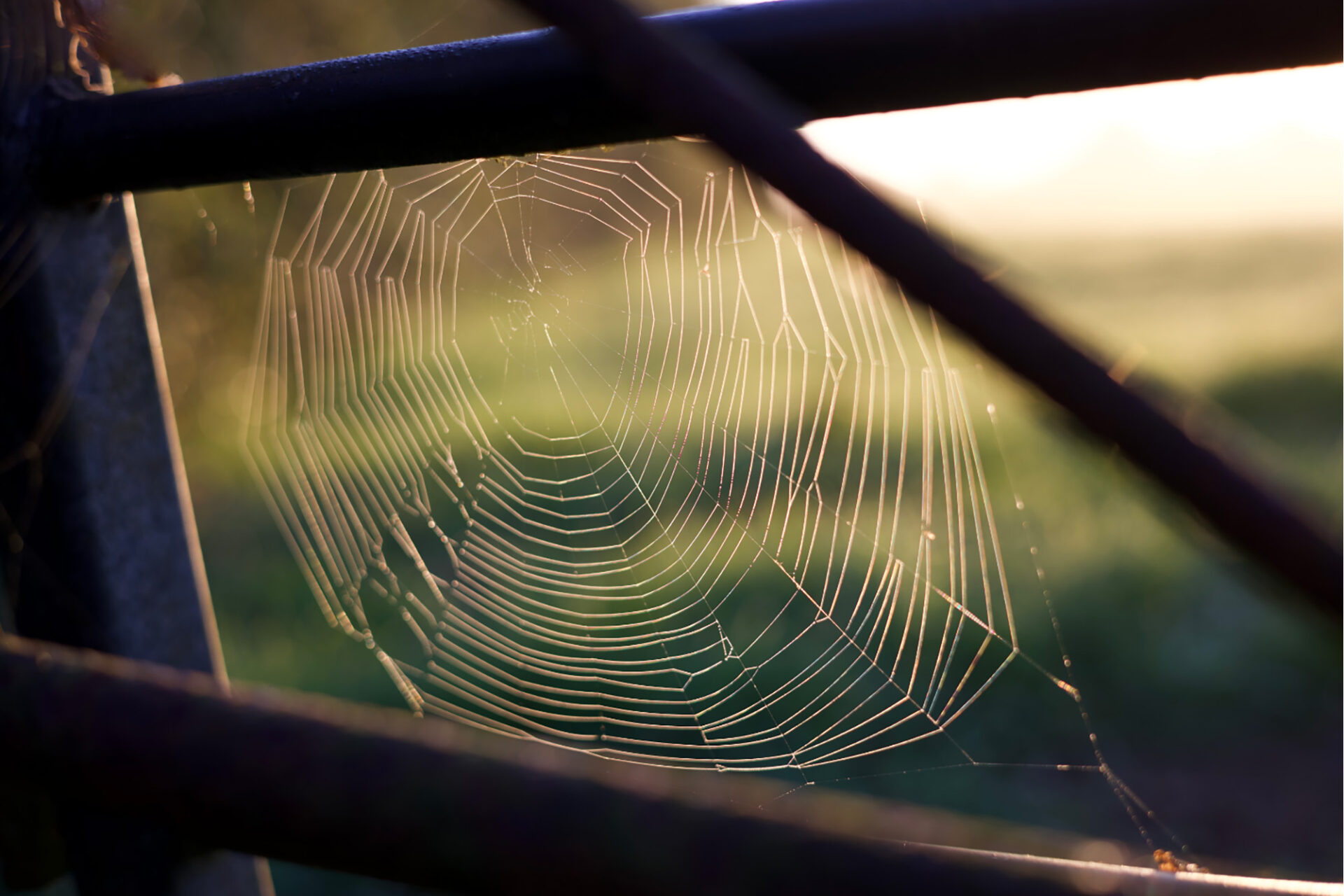
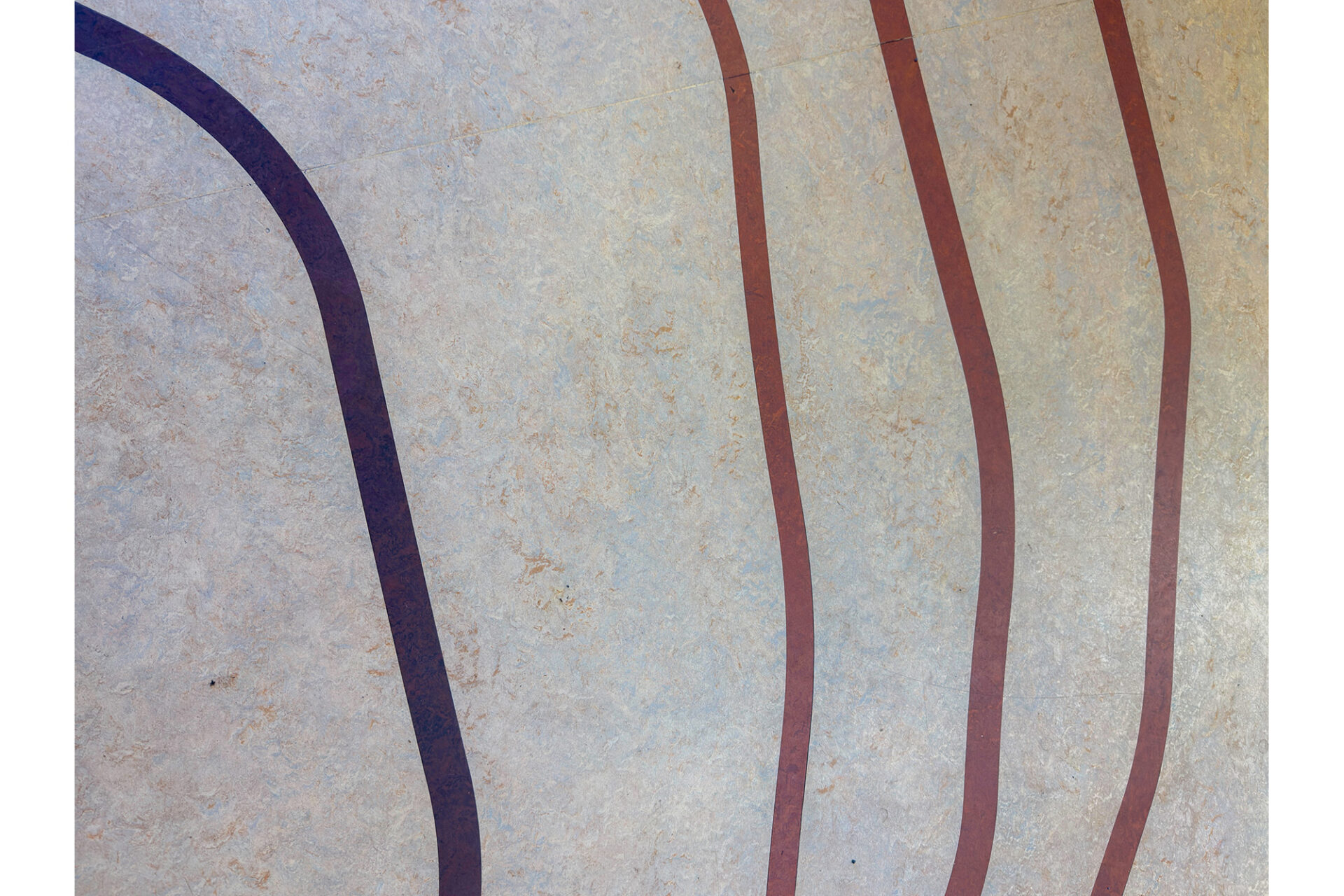
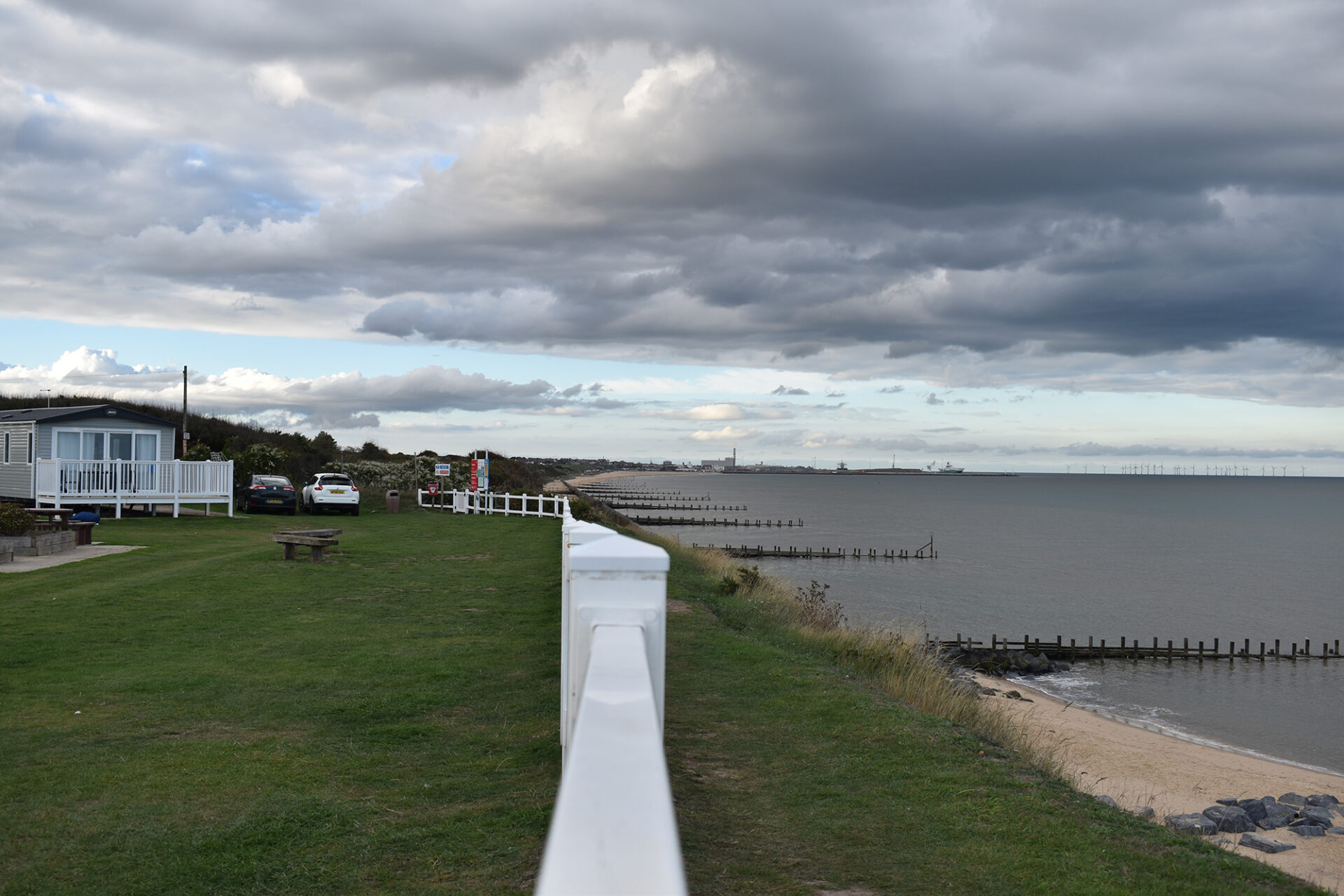
October Meeting
The topic for the talk was a revue of the many options for setting controls on most cameras. Some are only available on mirrorless camera.
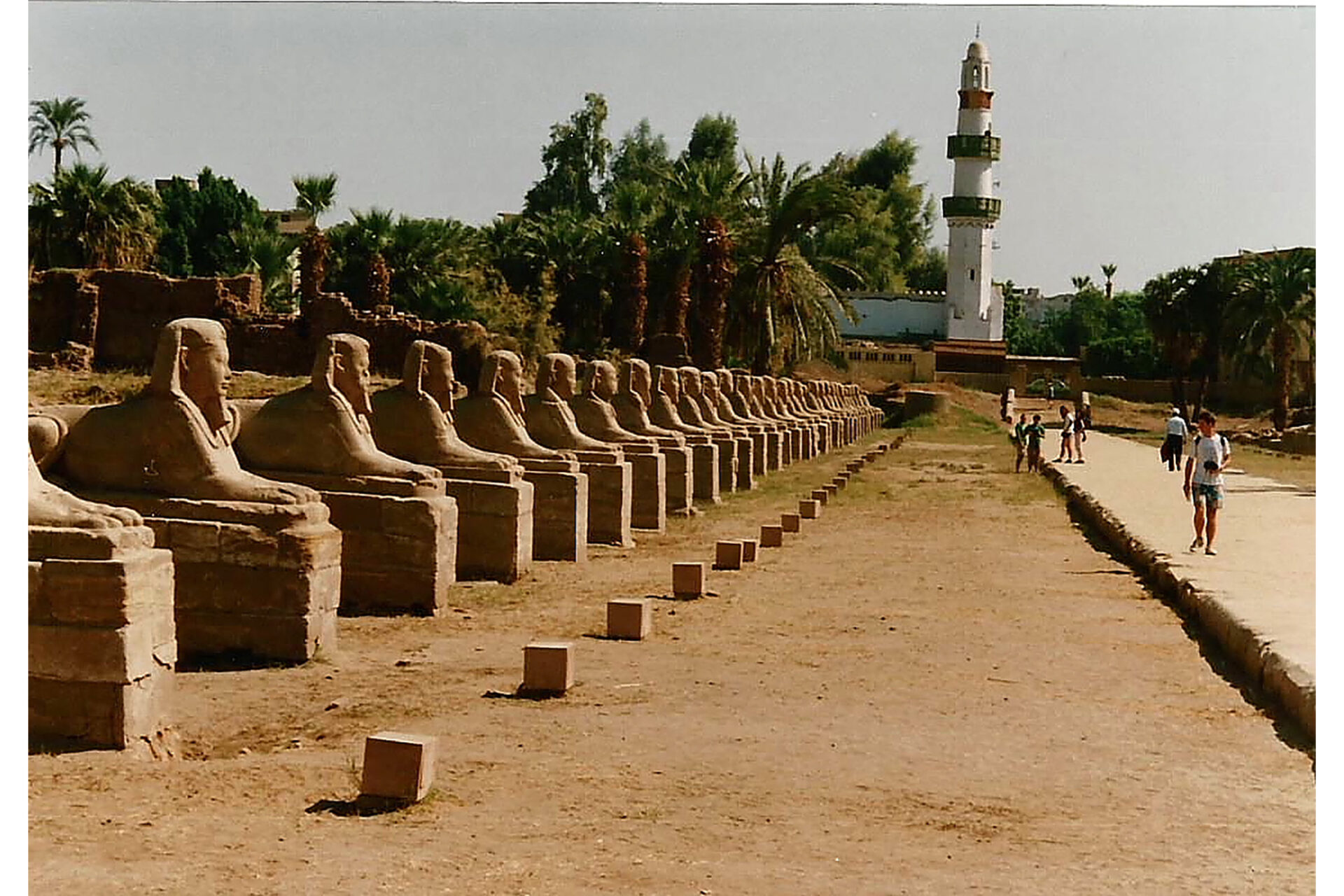
The images submitted for comment were on 'lines'. As always there are many interpretations ranging from leading lines, a line of objects, lines in archtecture, lines in nature etc.
| Date | Talk topic | Photos to Share Topic/Practical |
| 6th January 2026 | Macro Photography | Lights |
| 3rd February | Architecture Photography | Macro and Architecture |
| 3rd March | Introduction to Affinity Photo | 'What is it?' |
| 14th April | 'My photography journey and learnings along the way - part 1 - John Law' | 'Framed' |
| 12th May | 'My photography journey and learnings along the way - part 2 - John Law' | 'Symmetry' |
| 2nd June | Bracketing | 'Open' so any subject |
| 7th July | Controlling colour in your photography, from taking of the image, viewing it on a computer monitor to printing. | 'Bracketing' |
| 4th August | Post processing monochrome images | 'monochrome photography' |
| 1st September | Resizing images, change colour space, save in different formats | 'Drought' |
| 6th October | Camera features and their respective value as a photographer | 'Lines' |
| 3rd November | Creative Photography | Woodlands |